Overview
A short explanation of what the video is about and where it leads.
Read this first when you need to decide whether the full video deserves more time.
Turn a YouTube video into a clear overview, timestamped key points, and notes you can return to. Paste a link to begin.
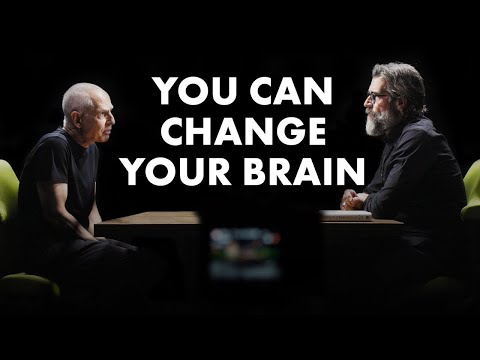
Transcript ready
BRAIN HEALTH EXPERT: Change Your Brain, Change Your Life | Dr. Daniel Amen X Rich Roll Podcast
The opening says people are not stuck with the brain they have. It introduces Dr. Daniel Amen and begins a conversation about valuing and improving brain health.
The opening message is that people are not stuck with the brain they have.
Dr. Daniel Amen is introduced as a psychiatrist and brain-health expert.
The conversation turns toward learning to value and care for the brain.
Main idea: Brain health is presented as something that can improve, not a fixed condition.
Why it matters: The opening makes change feel practical and personal before the longer discussion begins.
Quick answer
This AI YouTube video summarizer turns a long video into a short overview, key points tied to the moments where they appear, and organized notes for study, research, or review. Paste the link, create AI Notes, and keep the result beside the video whenever you want to revisit the source.
Made for real viewing habits
Start with the reason you opened the video. The notes keep the main ideas easy to scan while the original moment stays close by.
Use a TED Talk video summarizer to capture the main argument, supporting ideas, and the moments you want to revisit before class or discussion.
Pull the central claims from a long conversation, then return to the speaker's own words when a quote or detail matters.
Use the workspace as a YouTube video note taker: scan the overview, save the key points, and keep timestamps with your notes.
How it works
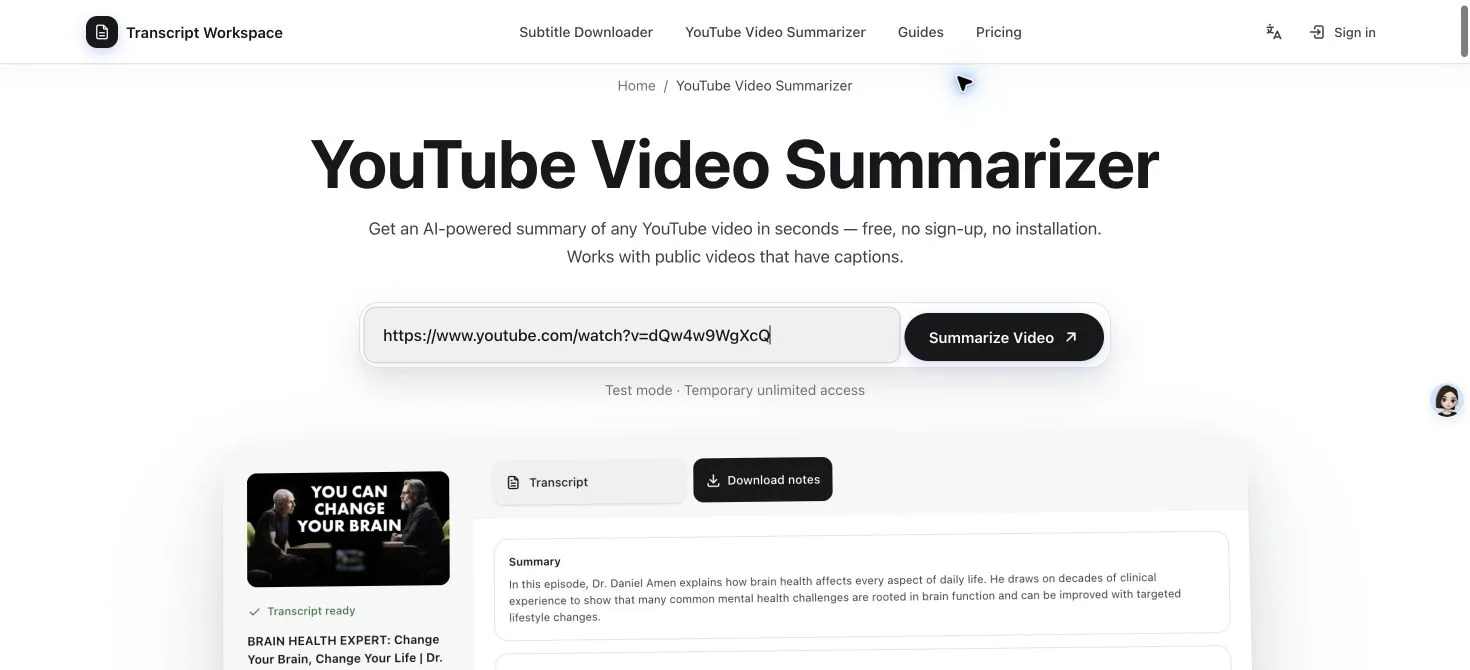
Paste the YouTube link you want to review, then choose Summarize Video to open the video and its words together.
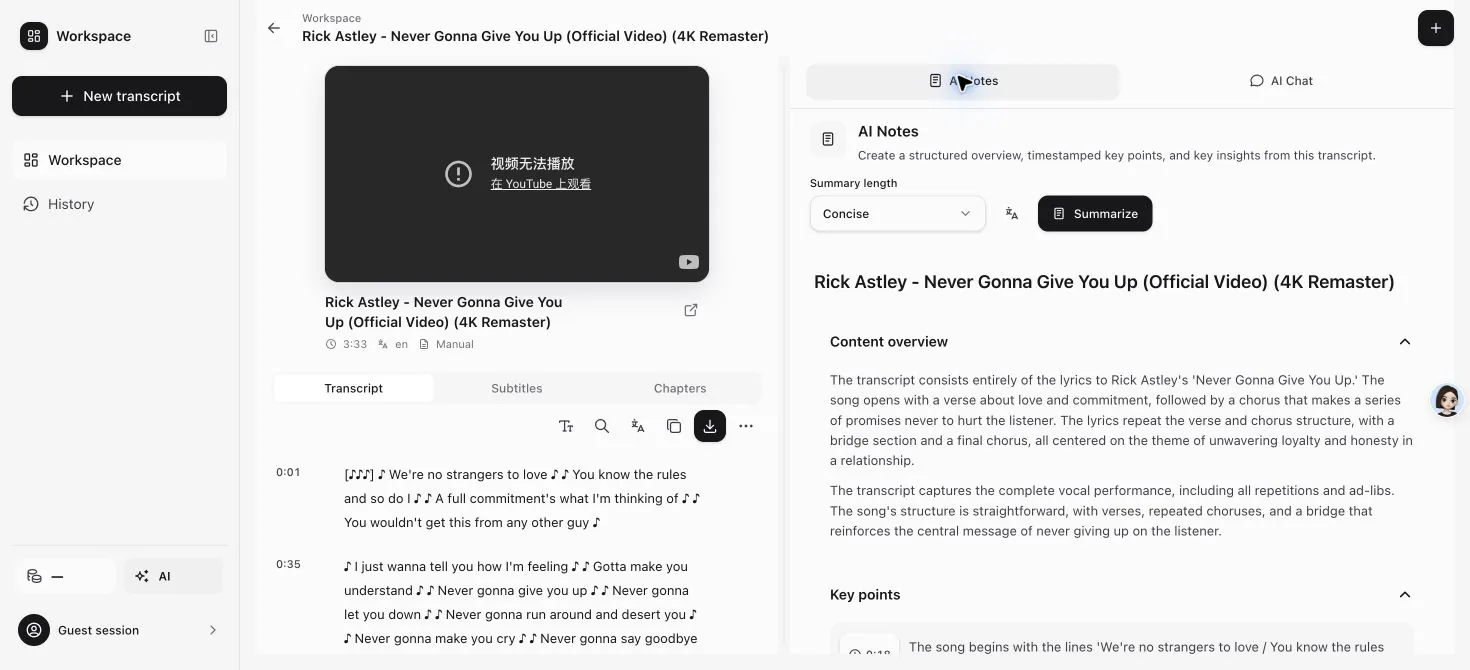
Choose a short or detailed result. Your notes arrive as an overview, key points, and useful takeaways with timestamps.
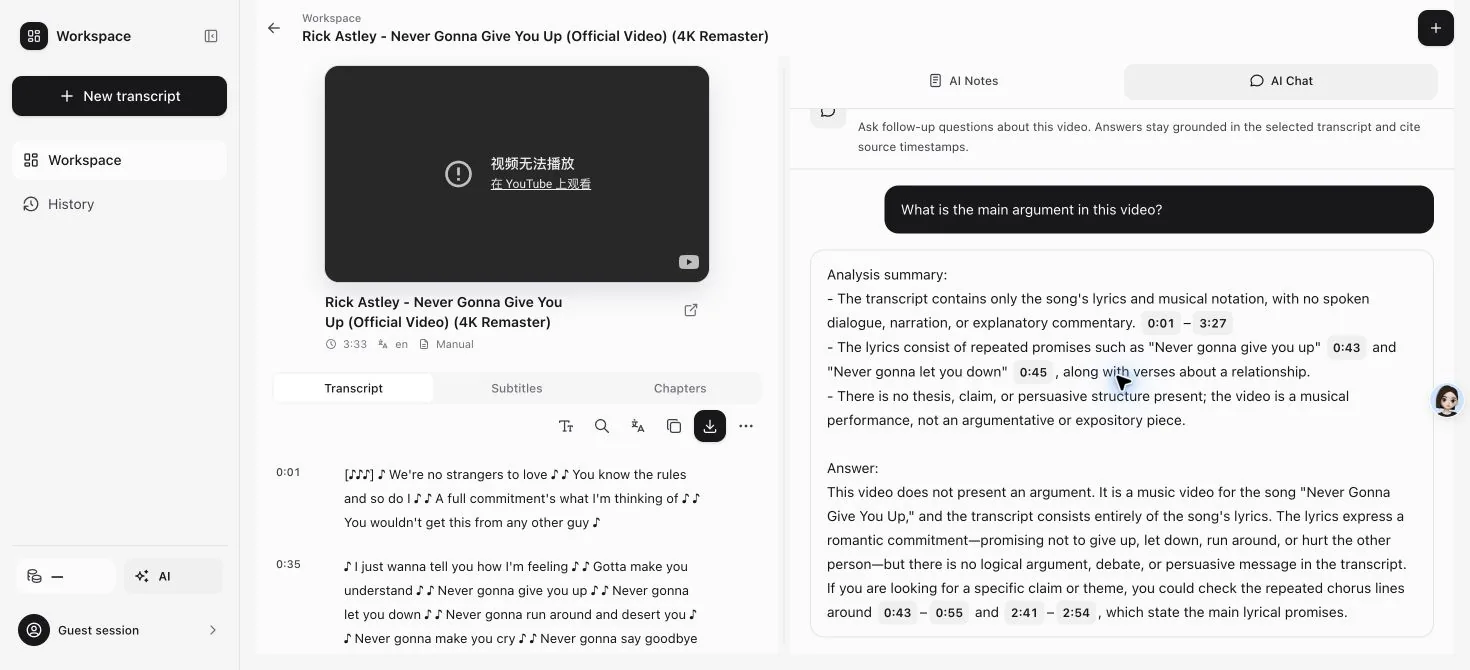
Open any timestamp to hear the original moment, then copy the notes or download them for the next part of your work.
What you get
The result is split into three useful parts, so you can understand the video quickly and return to the moments that matter.
A short explanation of what the video is about and where it leads.
Read this first when you need to decide whether the full video deserves more time.
The main ideas in a clear list, with a timestamp beside each one.
Open a timestamp whenever you want to hear the speaker explain that point in context.
Useful connections and takeaways drawn from the ideas in the video.
Use these as a starting point for your own notes, then check the original moment before quoting an important detail.
Choose the right layer
Keep the original words, the shorter summary, and your saved result in one place. Move between them according to what you need next.
01
See what was said, search for a phrase, and move to the right moment in the video.
02
Turn the long video into an overview, timestamped key points, and useful takeaways.
03
Open the original moment, copy the full notes, or download a file for later.
AI Notes
AI Notes gives you the title, a short overview, timestamped key points, and useful takeaways in one readable page. It is the fastest way to understand the shape of a long video before you decide what to watch closely.
Open or close each part as you read. Copy the full result, download it, or use a timestamp to hear the speaker's own words at that moment.
AI Chat
When the notes raise a question, ask about the same video without moving the text into another app.
Answers include moments you can open in the video. If the answer is not in the video, the chat tells you instead of filling the gap.
Questions
How summaries work, what you get, and how it compares to other AI tools.
Yes. The result gives you an overview, key points, takeaways, and timestamps in one place. You can copy the notes or download them for study, research, or writing.
The video, its words, the summary, and the timestamps stay together. You can move from a note back to the matching moment without carrying the text between apps.
Most notes finish within a minute. A long video may take more time.
You get a title, a short overview, key points arranged by topic, and useful takeaways. Important points include timestamps you can open in the video.
Yes. You can create the summary in English, Chinese, or Spanish, even when the video uses another language.
AI summaries can make mistakes, especially with names, numbers, and specialist terms. Open the matching video moment before relying on an important detail.
Yes. You can copy the complete notes or download them for later from the same workspace.
Yes. Open AI Chat and ask a focused question. The answer points to matching moments in the same video.
No. Your workspace, notes, and questions are not published as public pages.
Try it now
Paste a video link and get an AI-powered summary with timestamped key points.